There's a particular little annoyance that drives me mad when working on a computer.
You find a useful paragraph on a website, copy it into a document, and suddenly everything goes a bit strange. The font changes, the text becomes enormous, the colours don't match, and what should have been a simple copy-and-paste job turns into five minutes of tidying things up.
It's particularly irritating when you're writing articles, putting together emails or gathering information from several different websites. Fortunately, macOS has a solution, although the keyboard shortcut is rather more complicated than it probably needs to be.
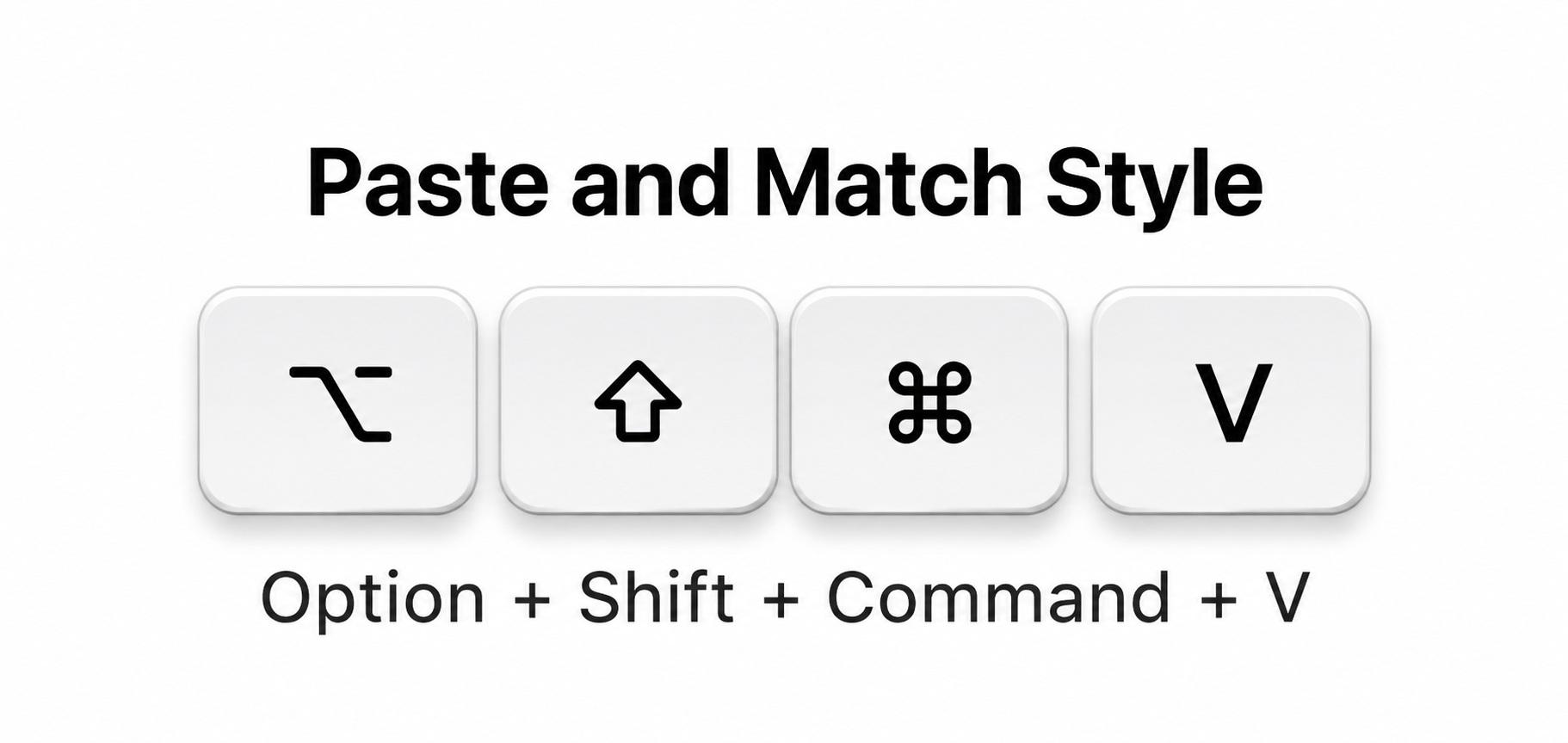
The Magic Shortcut
You're almost certainly familiar with Command (⌘) + C to copy and Command (⌘) + V to paste.
But next time you're copying text from one application to another, try this instead:
Option (⌥) + Shift (⇧) + Command (⌘)+ V
In applications that support it, this activates “Paste and Match Style”. Rather than bringing across the original font, size, colour and other formatting, the pasted text adopts the style of the document you're working in.
It's a tiny change, but it can save a surprising amount of irritation.
Why Doesn't Every App Behave the Same Way?
This is where things become a little confusing.
Not every Mac application handles pasting in exactly the same way. Some use different keyboard shortcuts, while others offer their own options for pasting plain text. If the shortcut doesn't work, look in the application's Edit menu for something called Paste and Match Style or a similar command.
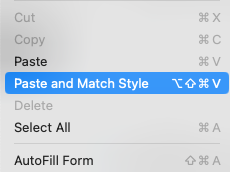
The menu will usually show which keyboard shortcut that particular application expects.
It's also worth remembering that matching the destination's formatting isn't necessarily the same thing as stripping every possible bit of formatting from the clipboard. The receiving application still decides how pasted content is handled.
A Little Shortcut Worth Remembering
It's hardly the most exciting feature Apple has ever added to macOS, but if you spend your days moving text between websites, emails, documents and notes, it's one of those tiny discoveries that can make your Mac noticeably less frustrating.
And once you get into the habit of using it, ordinary copy and paste starts to feel rather old-fashioned.Now, if only Apple had chosen a shortcut that didn't require quite so many fingers.