
Here’s a few little utilities I’ve built over the last couple of years to solve very unique or niche problems.
Each piece of software will have be featured in the main blog and I'll make sure to link to the blog for more info.
Controller Battery Monitor
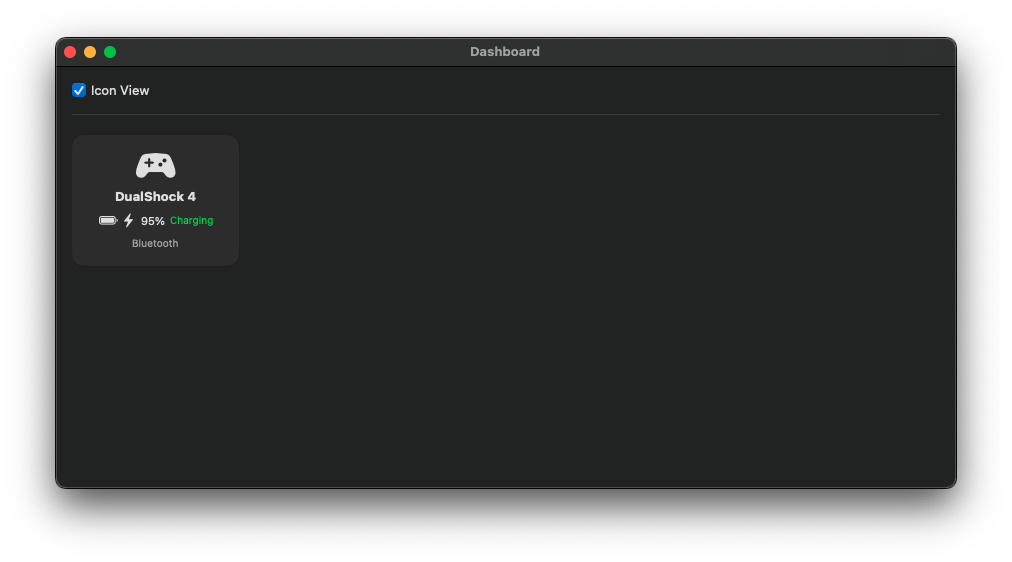
A very lightweight macOS app built in swift to monitor your console controller battery and charging levels, it has a pop up dashboard window with an icon or list view.
The Dashboard can be closed to just leave the menu icon.
Download the zip file
Right Click > Open and accept warnings
Copy to Applications folder if you wish.
Link to blog post how this app came about.

CD Ripper – by The Apple Geek
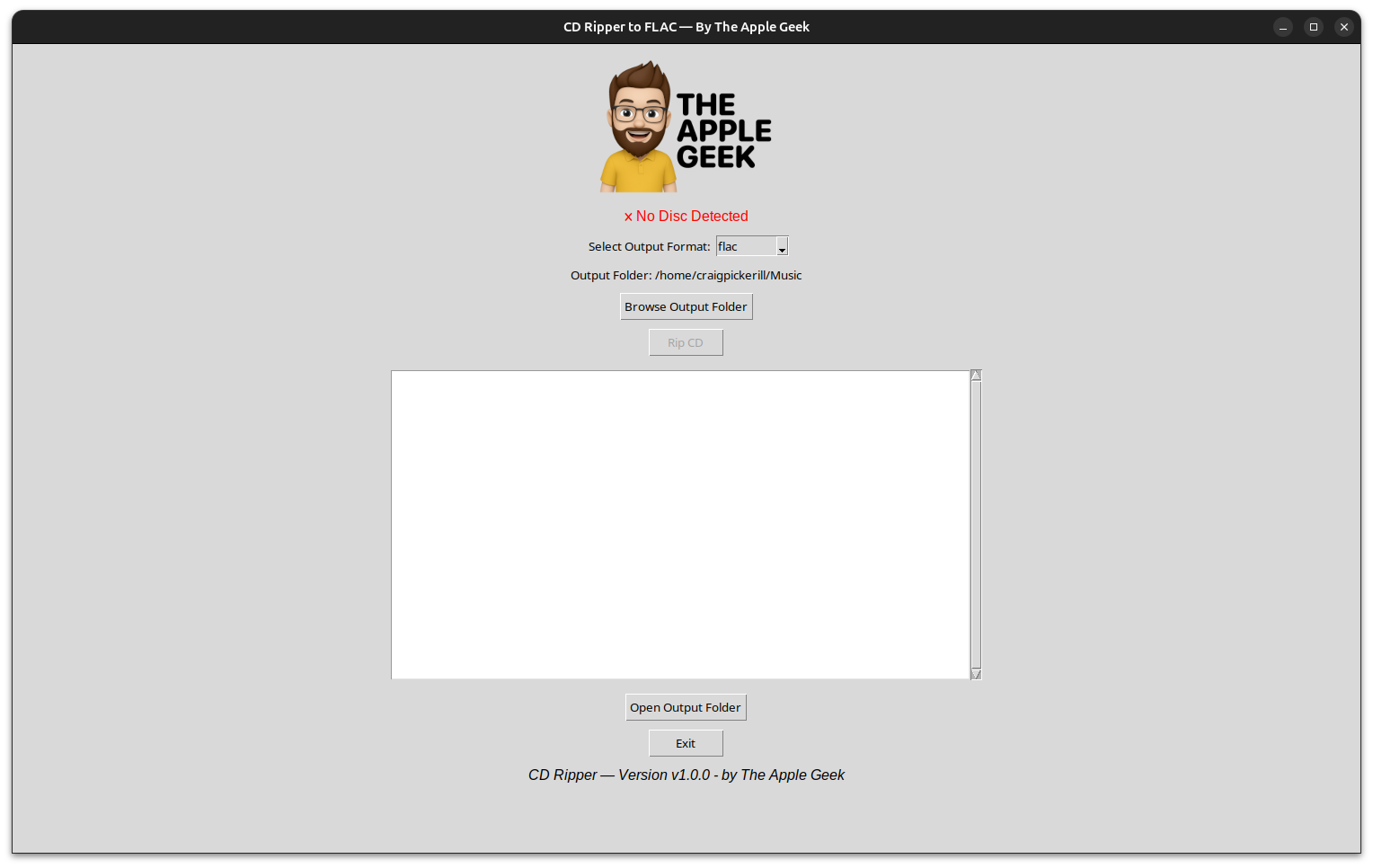
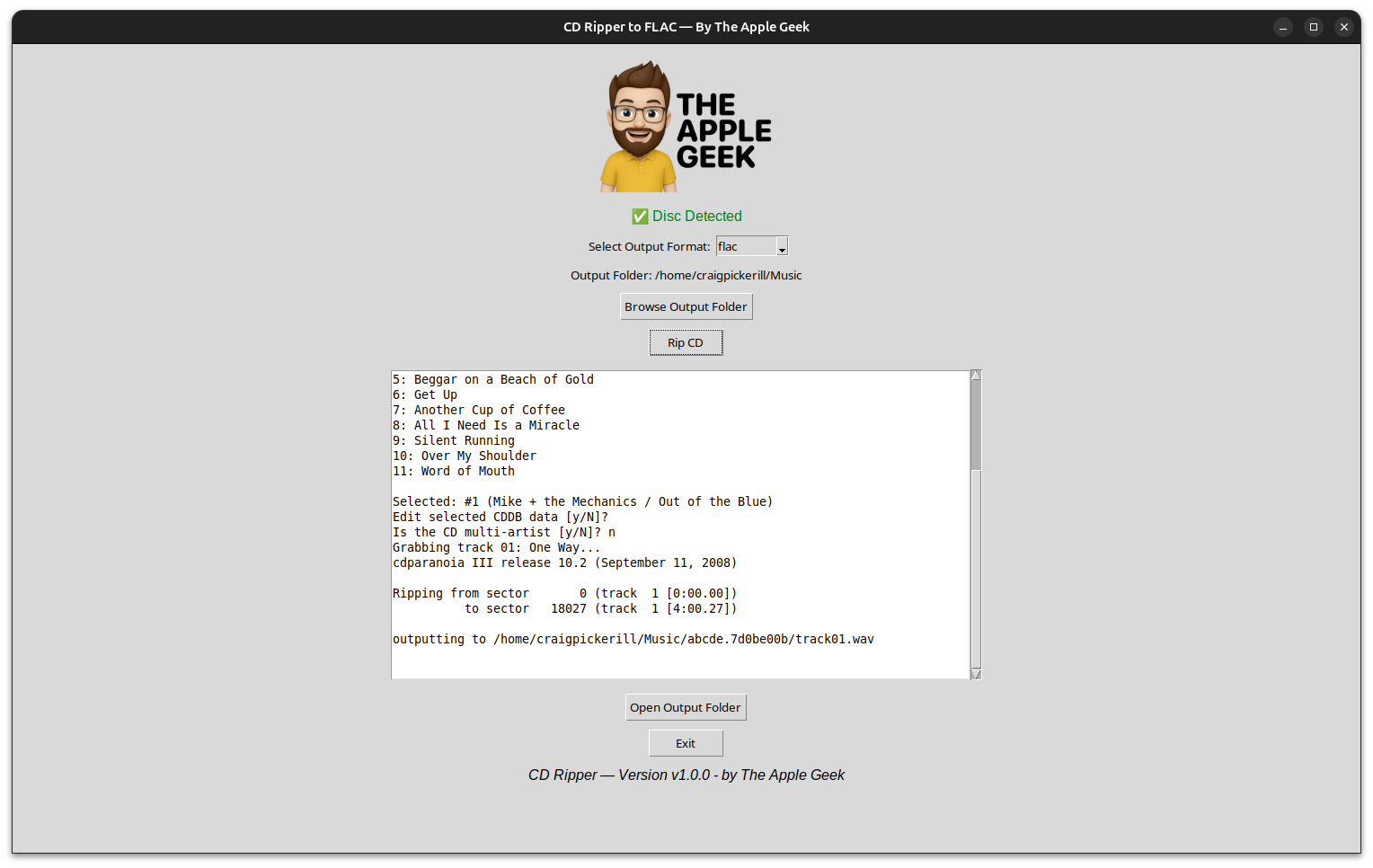
A fast, clean and reliable CD ripping tool built for Linux desktops. Designed with simpliciy in mind, CD Ripper automatically detects your audio CDs, fetches track info from MusicBrainz, and saves high-quality FLAC or MP3 files directly to your Music folder.
Whether you’re archiving your personal CD collection or converting discs for use on modern devices, CD Ripper gives you a smooth, no-nonsense workflow.
Features
🎵 Automatic CD detection
🔍 Auto album lookup via MusicBrainz
🎚️ Choose FLAC or MP3 output
📁 Select your output folder
🖥️ Clean, modern GUI
💾 Saves ripped music with proper metadata
⚙️ One-click ripping process
🖼️ Custom app icon in dock + window
Requirements
Linux (Ubuntu/Debian recommended)
abcde,cd-discid,lameorflacinstalledPython 3.8+ with Tkinter
Included
The full Python GUI
App icon
Launchable
.desktopfile